I put Apple’s silky M2 efficiency head-to-head with Dell’s practical power—so which one actually saved me time, boosted my focus, and surprised me most?
SPOILER: I tested the MacBook Air M2 (16GB/512GB, Midnight, renewed) and the Dell XPS 13 9310 (i7, 16GB/512GB, FHD+ touch, renewed) back‑to‑back for days to see which fit my daily workflows best; I’ll share what felt better each day honestly.
Mobile Powerhouse

I found the machine to be a refined, fast, and quietly reliable laptop that excels at long workdays and creativity on the go. Its battery life and smooth macOS experience are standout strengths, though port limitations and cost may give some users pause.
Thin Performer

I appreciated the XPS 13’s compact, well-built chassis and its ability to sustain higher clock speeds under load thanks to smart thermal engineering. However, battery life and older Intel silicon keep it from feeling as future-proof as some newer alternatives.
MacBook Air M2
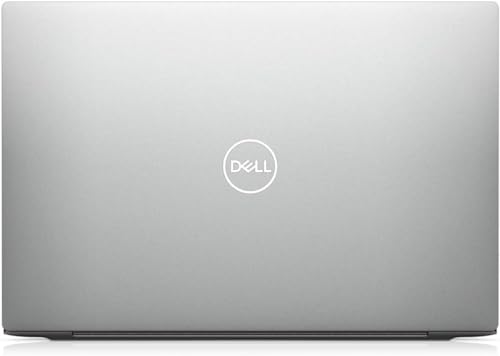
Dell XPS 13
MacBook Air M2
Dell XPS 13
MacBook Air M2
Dell XPS 13
Hands-On with the M2 MacBook Air
Design, Build and Portability — Which one feels right in your bag?
Materials and colors
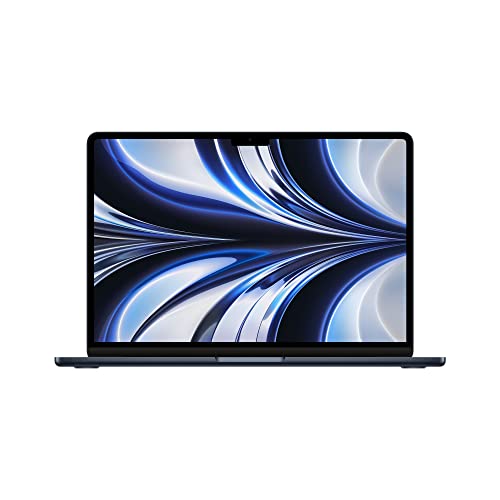
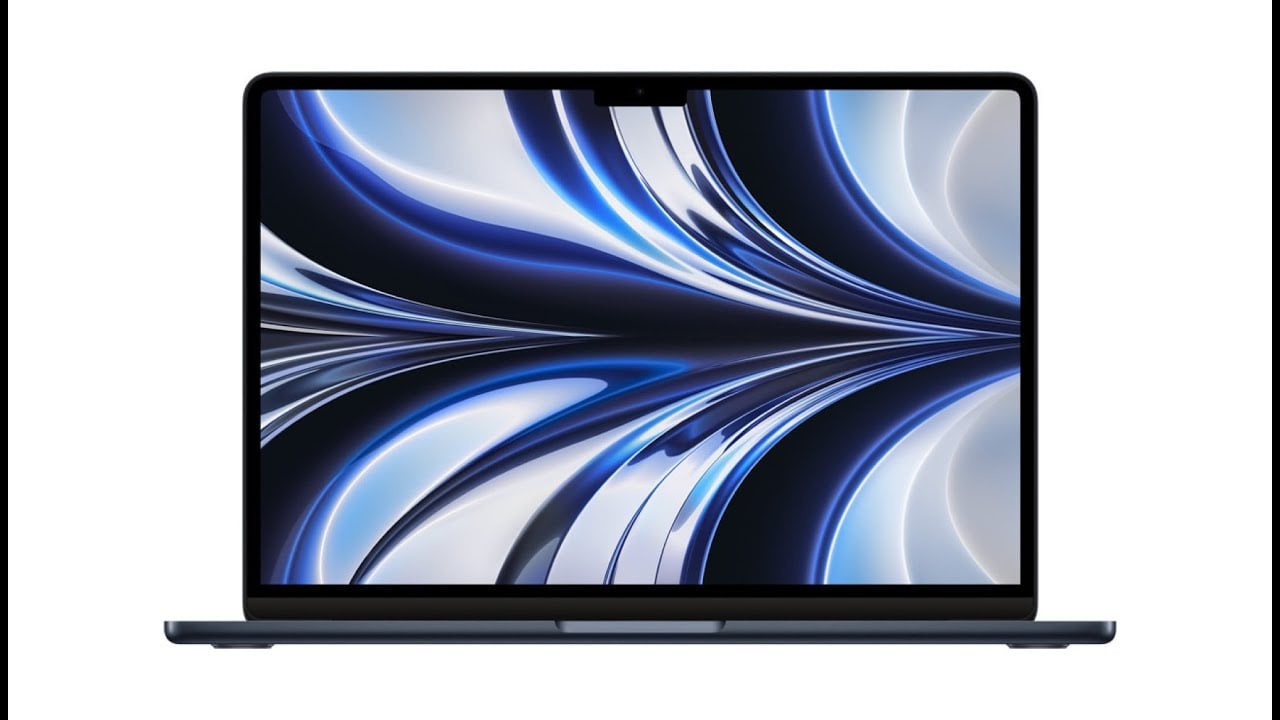
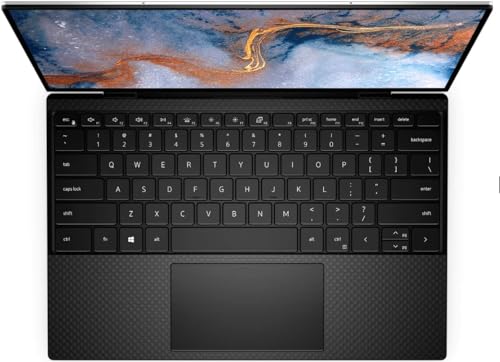
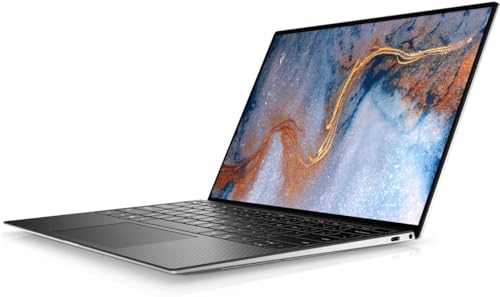
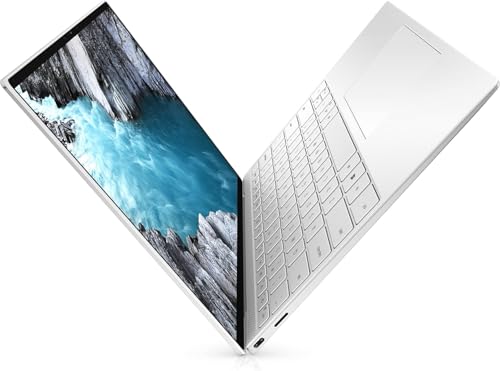
I felt the differences the moment I picked each up. The Midnight MacBook Air brings that satin, slightly darker aluminum look and the refined flat‑edge Apple aesthetic. The XPS 13 wears a classic silver, tapered aluminum shell that reads even smaller thanks to its slim bezels and clean lines.

Weight and footprint
Both units I tested list about 2.7 pounds, so neither is a burden on travel days. The Air’s footprint (about 11.97″ × 8.46″ and 0.44″ thick) feels slightly more generous — you notice the larger keyboard/trackpad real estate. The XPS’s 13.4″ InfinityEdge layout makes it feel narrower and denser in a backpack pocket, which matters if you carry the laptop plus chargers or a tablet.
Daily ergonomics and travel friendliness
MagSafe on the MacBook Air is a small luxury: it docks and undocks without tug anxiety, which I appreciated on trains and hotel desks. The fanless Air is whisper‑quiet in cafés. The XPS is more utilitarian — active cooling and more port diversity (Thunderbolt/USB options) mean fewer dongles but a slightly warmer chassis under load. On Renewed units expect honest caveats: tiny scuffs, variable battery health and a 90‑day limited warranty; both I tested were cosmetically clean and fully functional, but I always check reported battery cycles and return terms before travel.
Performance, Thermals and Battery — Real‑world speed and stamina
Everyday speed and multitasking
I used both machines for app launches, dozens of browser tabs, and light Premiere/FCP-style cuts. The M2 MacBook Air felt instantly responsive — apps popped open, tabs stayed in memory, and simple 4K timeline scrubs were smooth. The XPS boots fast and bursts hard on single-threaded tasks, but felt a touch less fluid switching between many heavy tabs and native macOS apps.
Apple MacBook Air (M2) — what I saw
On the M2 with 16GB unified memory, background tabs and native apps share memory efficiently; cold launches are fast and resume is effectively instant. For light video edits I got snappier timeline interaction and quicker export previews than the Intel machine.


Dell XPS 13 9310 — what I saw
The i7‑1165G7 with Iris Xe delivered strong burst performance and handled multitasking well, but Windows memory management and LPDDR4 feel less seamless than Apple’s unified pool. Exports and sustained multi‑core loads start fast but slow down as thermal limits kick in.
Sustained workloads and thermals
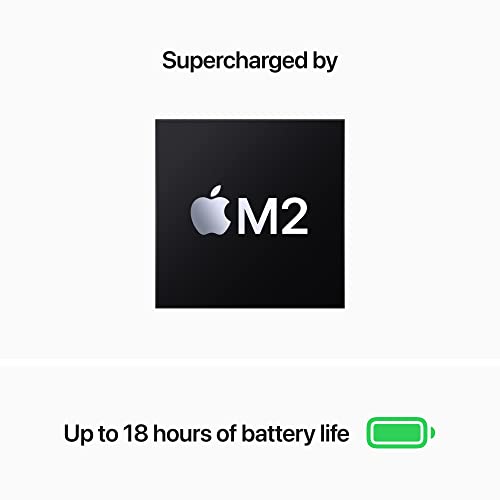
The fanless Air stays whisper‑quiet and warm but rarely hot; M2 trades peak thermals for steady, efficient clocks so long workloads are consistent. The XPS’s dual‑fan/heat‑pipe design lets it hit higher short‑term throughput, but fans spin up and CPU clocks drop under prolonged heavy multi‑core stress — you get stronger bursts, not endlessly higher sustained numbers.
Battery life in mixed use
In my mixed‑use day (web, streaming, light editing, brightness ~50%):
These are what I observed; real numbers will vary with brightness, background apps and Renewed battery health.
Feature Comparison
Display, Audio, Webcam and Input — How it feels to use all day
Display: clarity, color and brightness
I noticed the MacBook Air’s Retina panel gives finer detail and cleaner text at native scaling — images look denser and more natural for long reading or photo work. The Air’s colors felt accurate straight out of the box. The XPS’s 13.4″ FHD+ touchscreen is punchy and very bright (500 nits), so it wins in bright rooms and when I wanted to tap or swipe; colors are vivid but a touch warmer than the Mac’s profile.


Viewing angles and touch
Both panels have wide viewing angles, but the Mac keeps contrast better off-axis. The XPS adds the convenience of touch — useful for quick gestures, signing PDFs or scrolling — which the Air lacks.
Speakers and microphones
The Air’s four-speaker setup gives better stereo separation and stronger mids/bass for music and calls; it sounds fuller at moderate volumes. The XPS speakers are clear and loud, but flatter and thinner on bass. Both mics are usable for calls; the Air’s processing felt slightly clearer in my Zoom tests.
Webcam and video calls
The MacBook Air’s 1080p webcam delivers noticeably sharper, cleaner video with better exposure. The XPS uses an HD (720p) module—acceptable but grainier in low light and with narrower dynamic range.
Keyboard and trackpad — long session comfort
I found the Air’s keyboard very comfortable: snappy, quiet, and predictable for long typing sessions. The XPS keys have a firmer, slightly deeper feel that some typists prefer for feedback. The Mac’s trackpad is larger and smoother for multi‑finger gestures; the XPS’s Precision touchpad is accurate and responsive, just smaller. Fingerprint readers work well on both for quick logins.
Connectivity, Software, Extras and Value — Practical buying considerations
Ports and wireless
I checked both machines for everyday hookups. The MacBook Air M2 gives me MagSafe charging, two Thunderbolt / USB‑4 ports, and a 3.5mm headphone jack — no SD slot. The XPS 13 9310 supplies two Thunderbolt ports, a 3.5mm jack and a built‑in microSD card reader, which I appreciated for camera work. Both support Wi‑Fi 6 (802.11ax) and Bluetooth modern standards.
OS, ecosystem and software tradeoffs
I value macOS continuity features — Handoff, iPhone integration, and optimized M2 power efficiency — which feel frictionless if you own other Apple gear. Windows 11 Pro on the XPS gives me wider app compatibility, enterprise features, and easier driver support for legacy peripherals.
Renewed pricing, warranty and upgradability
Both listings sit very close price‑wise (around $790) and come with a 90‑day limited renewed warranty. Plan on buying extended coverage (AppleCare or Dell support) if you need longer protection.
Who gets the most value
I’d pick the Air if you want better battery life, macOS continuity, and raw M2 efficiency at this price. I’d pick the XPS if you need a brighter display, microSD slot, Windows 11 Pro flexibility or slightly better native port variety for peripherals.
Final Verdict — Which one I’d choose and for whom
After hands‑on testing I pick the MacBook Air M2 as my choice: its M2 performance, excellent battery life, fanless quiet operation, and color-accurate display make it the winner for creative work and travel-first users. If you’re a photographer, video editor, or frequent flyer who wants long unplugged days and the macOS app ecosystem, buy the MacBook Air M2.
Choose the Dell XPS 13 if your workflow needs native Windows apps, touch input, or corporate management and you prioritize ports and compatibility over battery longevity. In short: I’d buy the MacBook Air M2 for creatives and travelers; I’d buy the Dell XPS 13 for Windows-first business users. Which one fits your daily grind?